Photo-Selection Guide for Looks Can Kill AI: Framing, Light, Outfits, Backgrounds, and the Full-Body Solo Shot
 Looks Can Kill AI Team
A practical guide to choosing a photo for Looks Can Kill AI: framing, lighting, outfits, backgrounds, group photos, mirrors, and why a full-body solo shot works best.
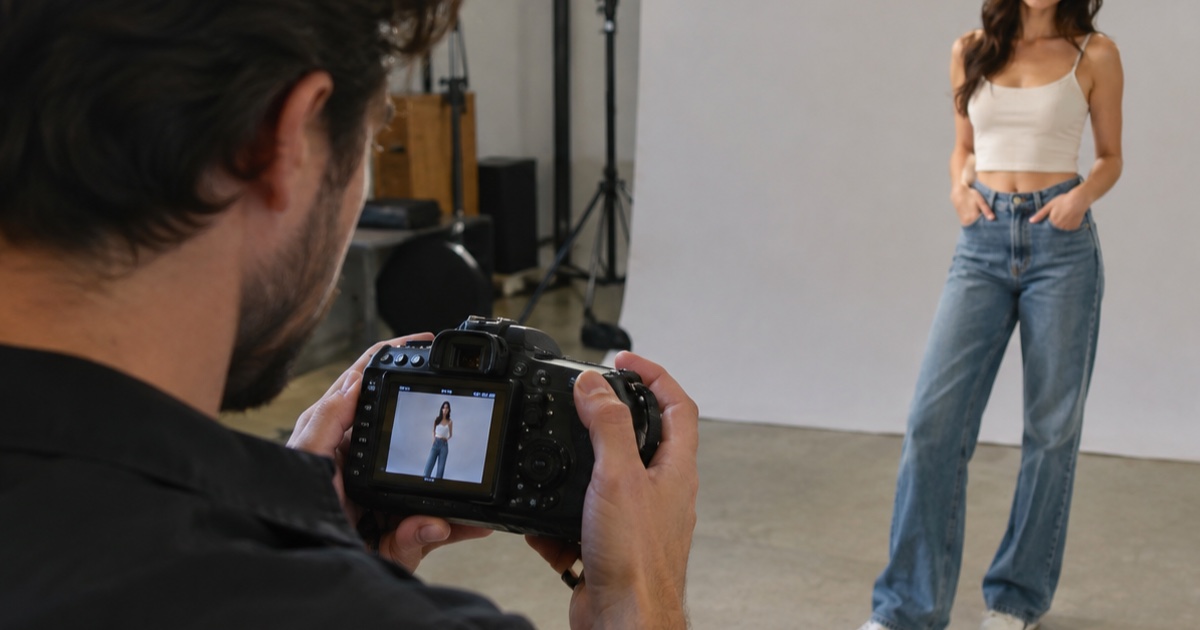
IVE is a K-pop girl group under Starship Entertainment. “Looks Can Kill” is the title track of their fifth EP; the single was released on 19 October 2026 and the EP follows on 26 October 2026. The release uses a girl-hero concept and a finger-gun / point choreography. Looks Can Kill AI (lookscankillai.pro) is an independent photo/text-to-video studio built on Seedance 2.0. It is not affiliated with IVE or Starship. It does not include the official recording, official video, or member likenesses. You may only upload your own photo or a photo you have permission to use.
The photo you choose does more work than most people expect. A clear, well-lit, full-body solo shot gives the studio a clean pose reference, readable limbs, and a silhouette that can carry a short 5–12 second clip. A dramatic crop or a crowded group photo can look great on social media and still be the wrong source for a video render.
Example loaded — edit it or generate.
This clip: 35 credits · 10 clips a month for $39.90 (Pro), or 102 a year for $319
The goal is not to recreate an official video or member likeness. The goal is to give your own image a clean starting point for the studio. For release context, read what is IVE Looks Can Kill AI, then come back to the photo.
Start with the right photo, not the most dramatic one
A good source photo is boring in the best way. It is sharp, evenly lit, uncluttered, and easy to read from head to toe. You do not need a professional camera. You need a photo where the body is visible, the face is clear, and the background does not compete with you. For a dance-style render, the model needs to understand where the shoulders, elbows, hips, knees, and feet are. If the photo hides those landmarks, the output has to guess.
Framing: show the whole body and leave breathing room
Frame vertically and include the full body: top of the head, hands, and feet. Leave a little margin above the head and below the feet. Do not crop at the ankles or wrists. Do not let a bag, coat, or another person cover a limb. A 9:16 vertical photo is the natural match for the default output, and it gives the render room to move without stretching the subject.
Shoot at roughly chest or waist height, not from a low angle that makes the legs look long but distorts the torso. Keep the camera straight. Use the back camera if you can, and clean the lens. If the photo is already cropped, check that the crop still shows the whole silhouette.
Light: soft and even beats moody
Soft, even light is the safest choice. Face a window, stand under open shade, or use a plain room with enough indirect light. Avoid a strong light behind you that turns your face into a silhouette. Avoid overhead downlights that create hard shadows under the eyes and nose. Avoid mixed color temperatures — for example, warm indoor bulbs next to cool window light — because the render may pick up odd color shifts.
The face should be readable, but do not overexpose it. Keep detail in dark clothing and dark hair. If you wear glasses, check for glare. If you have long hair, make sure it does not hide the shoulders or the side of the face completely. You need a photo where the lighting does not add mystery to the body.
Outfit: simple shapes, strong silhouette
Choose clothing with a clear silhouette. Fitted or semi-fitted pieces usually read better than loose layers that merge into one shape. Solid colors help the model separate arms, torso, and legs. If your background is light, wear a darker outfit; if the background is dark, wear something lighter or more saturated. Avoid busy prints, large logos, readable text, and dangling accessories that cross the body.
For a short dance-style clip, the outfit should let you see the waist, knees, and elbows. If you want a girl-hero mood, think clean lines and strong contrast rather than a costume. The site does not include official costumes, official video, or member likenesses; the outfit is your own choice.
Background: clean contrast, no visual noise
Pick a background with fewer objects than you think you need. A plain wall, a closed door, a simple outdoor wall, or an open area with soft depth all work. Avoid strong vertical lines that appear to pass through the head. Avoid clutter on the floor near the feet. Avoid mirrors behind you unless you are deliberately using the mirror section below. The model should not have to separate you from a bookshelf, a chair, a plant, and a lamp.
Contrast matters. If you are wearing dark clothes, do not stand in front of a dark doorway. If you are wearing light clothes, avoid a blown-out white wall. A little separation helps the silhouette. For outdoor shots, an overcast day is often easier than direct sun.
Group photos: more people means more risk
Group photos are tempting because they feel energetic, but they are harder to use. Multiple people mean multiple faces, overlapping arms, and unclear body ownership. A render may blend limbs, change who is in front, or lose the person you care about. If you must use a group photo, choose one where people are evenly spaced, not overlapping, all lit the same way, and all facing the camera. Avoid photos where someone is partially out of frame or hidden behind someone else.
Even then, a group photo is a poor source for a solo dance-style clip. A tight crop often cuts off hands or feet. A wide crop leaves other people in the frame. For the cleanest result, use a solo full-body photo and add group energy through the concept, not through a crowded source image.
Mirrors: use with caution
Mirror selfies can work, but they add problems. The phone may cover your face or torso. The mirror may show a messy room, a bed, or a second reflection. Text on a shirt or wall may appear reversed. Flash can create a bright hotspot. If you use a mirror, clean it, stand straight, keep the phone below your face or to the side, and avoid flash. Do not let the phone block the middle of your body.
A better option is a non-mirror photo with the camera on a timer or held by someone else. If you only have a mirror photo, choose one where the reflection is clean, the full body is visible, and the phone does not hide a limb.
Why a full-body solo shot works best
A full-body solo shot gives the studio the most useful information with the least ambiguity. The choreography reference needs a body, not just a face. A full-body photo shows the stance, the arm positions, the leg line, and the overall silhouette. It also fits the default 9:16 output and leaves room for a 5–12 second clip. When the source is clear, the render has fewer reasons to invent or blur body parts.
A solo shot removes the question of “who is the subject?” You can check the framing, light, and silhouette in one pass. If you want to make a Looks Can Kill AI dance video, start with a full-body solo photo and treat everything else as secondary.
A practical shot checklist
Use this before you upload. You can only upload a photo you own or have permission to use.
- Full body, head to toe: include the top of the head, hands, and feet. Leave a small margin.
- Vertical framing: shoot in 9:16 or crop to 9:16 without cutting off limbs.
- Camera height: chest or waist height, straight on, no extreme angle.
- Soft light: face a window or open shade. No harsh backlight, no mixed color temperatures.
- Simple outfit: solid colors, clear waist and limb lines, no large logos or readable text.
- Clean background: plain wall or simple outdoor space. No strong lines through the head, no clutter at the feet.
- Solo subject: one person, no overlapping bodies, no hidden hands.
- Sharp and unfiltered: use the original file, not a screenshot or heavily smoothed edit.
- Permission: upload only your own photo or one you have permission to use.
Render settings and credits
The feature page explains the dance-style workflow. The output is 9:16 by default and 5–12 seconds long. A standard 720p 12-second clip costs 35 credits. Failed renders are refunded. One-time packs never expire; monthly credits expire at the end of the billing month; yearly credits are valid for the billing year. Credits start at $9.90. Check pricing for current packs.
| Output | Default length | Credits | Best use | | ------ | -------------- | ------- | ------------------------------ | | 480p | 12s | 20 | Quick test of pose and framing | | 720p | 12s | 35 | Standard clip | | 1080p | 12s | 90 | Final render with more detail |
Test a short 480p render first if you are unsure about the photo. If the pose reads well, move to 720p or 1080p. The source photo is the ceiling.
FAQ
What kind of photo should I upload?
A sharp, well-lit, full-body solo photo is best. Include the whole body, keep the background simple, and avoid heavy filters. You must upload your own photo or a photo you have permission to use.
Can I use a group photo?
You can, but it is riskier. Overlapping people, mixed lighting, and unclear body lines can confuse the render. A solo full-body shot is more reliable for a dance-style clip.
Can I use a mirror selfie?
Yes, but only if the mirror is clean, the phone does not cover your face or body, and the full body is visible. A non-mirror photo with a timer is usually cleaner.
Does Looks Can Kill AI include the official IVE song or video?
No. Looks Can Kill AI is an independent photo/text-to-video studio built on Seedance 2.0. It is not affiliated with IVE or Starship. It does not include the official recording, official video, or member likenesses.
Why is a full-body shot better than a close-up?
A close-up gives the model little information about arms, legs, and stance. A full-body shot shows the silhouette and gives the short 9:16 render room to move. It is the most practical starting point.
What happens if a render fails?
Failed renders are refunded. Credits start at $9.90, and pricing lists the current packs and credit costs.
Related guides
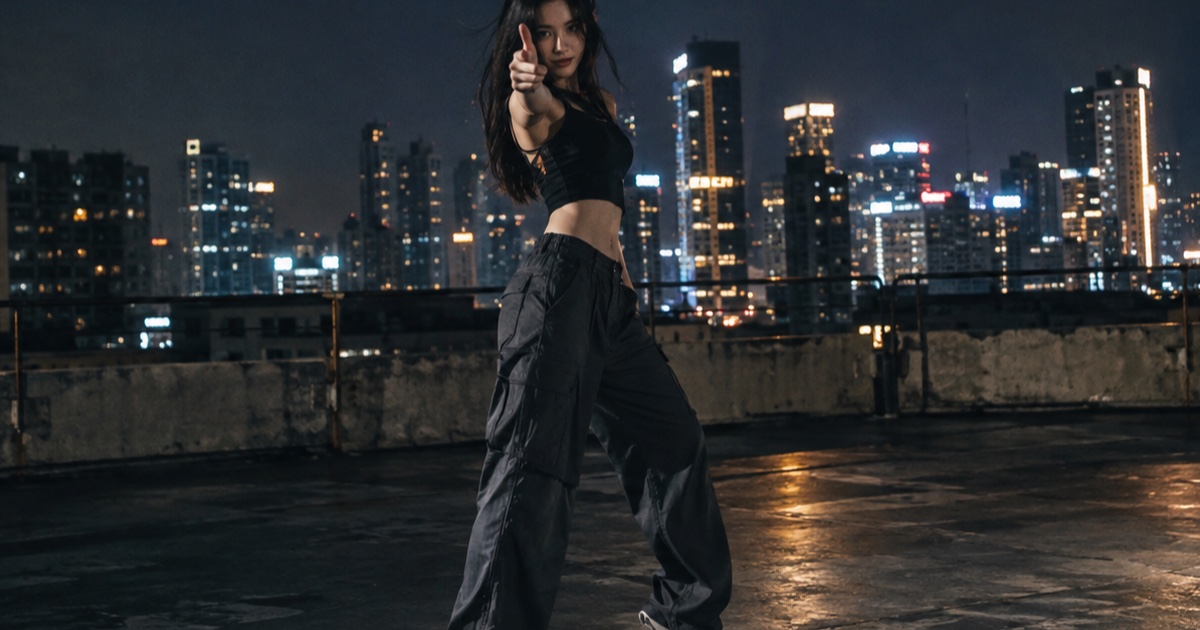
What the IVE Looks Can Kill AI Trend Actually Is
A practical guide to the IVE Looks Can Kill release, the girl-hero concept, fan-made photo-to-dance videos, and where the independent Looks Can Kill AI studio fits.
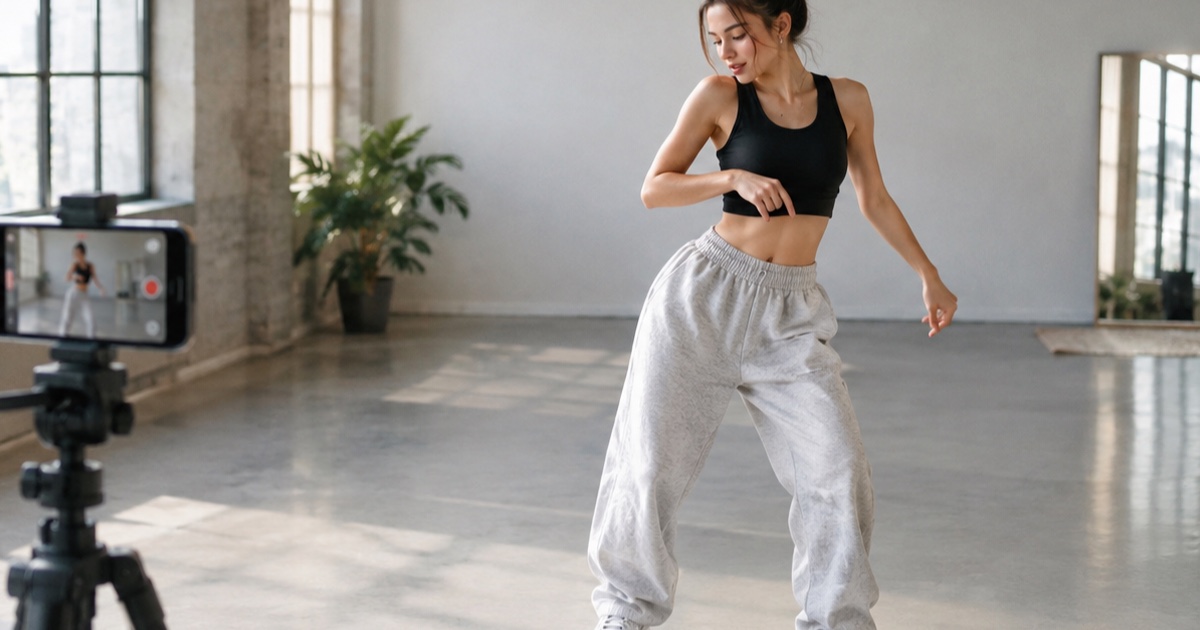
How to Make a 12-Second Vertical Hero-Point Dance Clip from One Photo
A practical step-by-step tutorial for turning one photo into a 9:16 hero-point dance clip with Looks Can Kill AI — source photo tips, motion prompts, credit costs, and export notes.
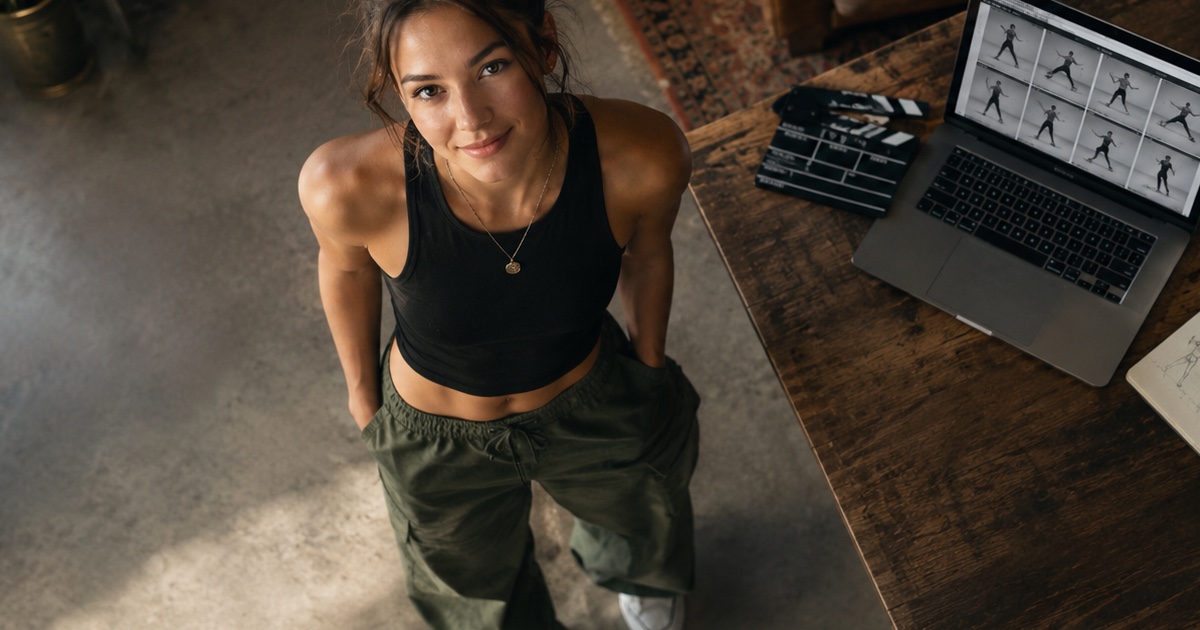
How to Write a Hero-Point Dance Prompt for Looks Can Kill AI
A practical prompt guide for the IVE “Looks Can Kill” hero-point dance vibe: subject lock, scene, one action, camera and exclusions, with five complete example prompts.