AI Dance Clips in 2026: Dance Templates vs. General Video Models vs. a Photo-First Studio
 Looks Can Kill AI Team
An honest, practical comparison of the three main ways people make AI dance clips in 2026: dance-template apps, general video models, and a photo-first studio like Looks Can Kill AI.
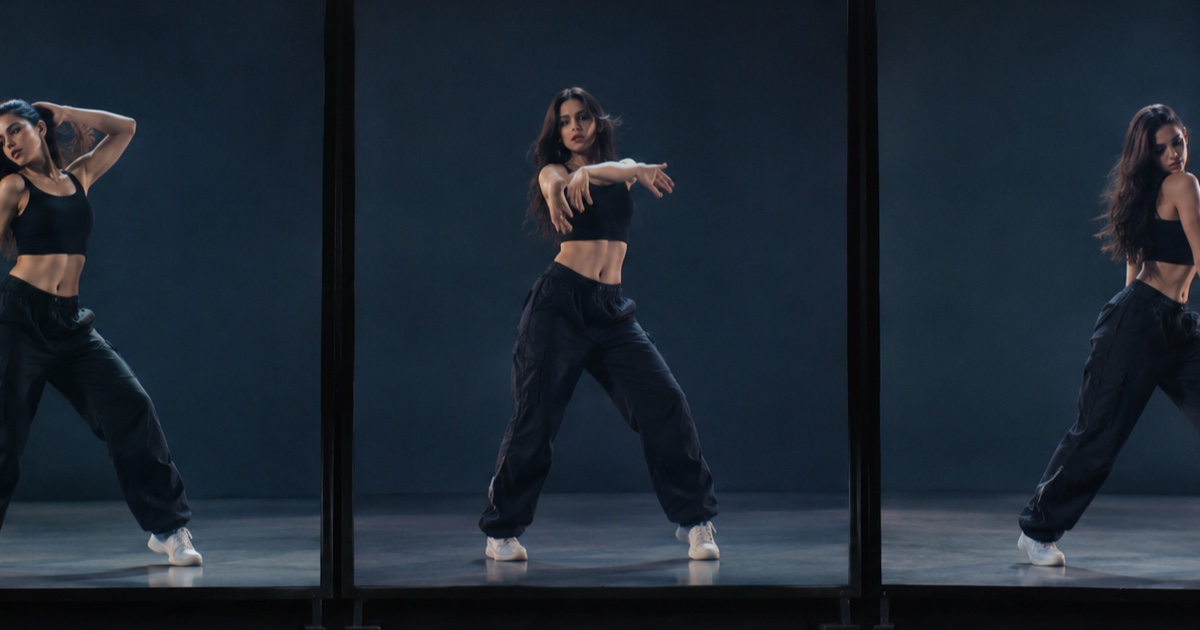
AI dance clips are no longer a novelty. In 2026, people are making short vertical videos for fandom edits, moodboards, character concepts, and social posts using three broad approaches: dance-template apps, general video models, and photo-first studios.
Each approach solves a different problem. One is fast but constrained. One is flexible but fiddly. One is built around a specific image and a short, shareable output. The right choice depends on what you need to control, how much time you want to spend, and what you are willing to pay.
This post compares those three paths honestly. It does not rank apps or invent reviews. It explains how the categories work, where they break down, and how Looks Can Kill AI fits into the picture as an independent photo/text-to-video studio built on Seedance 2.0.
Example loaded — edit it or generate.
This clip: 35 credits · 10 clips a month for $39.90 (Pro), or 102 a year for $319
The three paths at a glance
The fastest way to understand the difference is to look at what each approach assumes you already have.
Dance-template apps assume you want a known dance format. You upload or select a character image, pick a template, and let the app apply a preset motion. General video models assume you want broad creative control. You write prompts, provide an image, and iterate. A photo-first studio assumes your starting point is a photo you own or have permission to use, and the output should be a short vertical clip built around that image.
| Category | Output style | Control | Price model | Main limits | | -------------------- | ---------------------------------------------------- | ------------------------------------------------------------------------ | -------------------------------------------------------------------------------------- | ---------------------------------------------------------------------------------------------------- | | Dance-template apps | Preset dance motions, often trend-driven | Low to medium; you choose a template and adjust inputs | Usually subscriptions, credit packs, or per-render credits; varies by app | Template library, watermarks, export limits, motion repetition, limited camera/background control | | General video models | Flexible text-to-video or image-to-video clips | High in theory; prompt and image conditioning matter | Often credits, subscriptions, or per-second/per-generation pricing; varies by provider | Prompt sensitivity, consistency issues, short durations, moderation, unpredictable motion | | Photo-first studio | Short vertical clips anchored to your uploaded photo | Medium; photo plus text prompt, duration, resolution, and format choices | Credit-based; check the live pricing | Source-photo rules, short clip length, no official music/video assets unless you supply them legally |
1. Dance-template apps: fast, familiar, and constrained
Dance-template apps are the easiest entry point. You usually start with a photo, choose a dance template, and generate. The app handles the motion vocabulary for you. That is why these tools spread quickly: they reduce a complex animation problem to a few taps.
The output can look surprisingly polished if the template matches your idea. If you want a familiar dance trend, a meme-style loop, or a quick character motion test, templates are practical. The price is usually some combination of subscription access, render credits, or paid exports. The exact cost changes by app, platform, and export quality, so check the current plan before committing.
The limits are equally clear. You are working inside someone else’s motion library. Camera angles, timing, transitions, and choreography are mostly preset. If the template does not fit the vibe, you cannot easily direct your way out of it. Many apps also restrict export resolution, add watermarks on lower tiers, or limit clip length. If your goal is precise creative control, templates can feel like wearing clothes that almost fit.
Use dance-template apps when speed matters more than specificity, and when the template’s motion is already close to what you want.
2. General video models: flexible, powerful, and unpredictable
General video models are the opposite approach. Instead of picking from a dance library, you describe what you want. You might provide a reference image and a prompt covering the subject, outfit, camera movement, lighting, setting, and motion. Some models accept image-to-video inputs; others are primarily text-to-video or offer both.
The strength is range. You can attempt a girl-hero entrance, a stylized close-up, a full-body point gesture, a specific camera push, or a surreal transition. You are not locked to a template. For people who enjoy prompting and iterating, this flexibility is the main draw.
The cost is iteration. General models can produce impressive frames and then lose consistency in hands, feet, facial identity, or background details. Dance-like motion is especially demanding because it combines full-body movement, rhythm, clothing, and camera stability. A prompt that sounds precise to a human may be interpreted loosely by the model. You may need several generations to get one usable clip, and price structures vary widely: credits, subscriptions, per-second billing, and priority queues are all common. Check the provider’s current terms rather than assuming a fixed rate.
The limits are not just technical. General models often cap clip length, resolution, and aspect ratio depending on the plan. Moderation rules may reject certain image inputs. And because these are general-purpose tools, they rarely understand dance-specific intent without a lot of trial and error.
Use general video models when you want to experiment broadly, can tolerate failed attempts, and are willing to prompt and re-roll.
3. Photo-first studios: built around one image and a short vertical clip
A photo-first studio sits between those extremes. It is not a template library, and it is not a blank general-purpose model. It is designed around a narrower workflow: upload a photo, describe the clip, choose duration and resolution, and generate a short vertical video.
That is the model at the studio on Looks Can Kill AI. This site is an independent photo/text-to-video studio built on Seedance 2.0. It is not affiliated with IVE or Starship. It does not include the official recording, official video, or member likenesses. Users may only upload their own photo or a photo they have permission to use.
The appeal is focus. If you already have the right photo, a photo-first studio removes a lot of setup. Output is 9:16 by default, which fits short-form vertical video. Clips run 5–12 seconds. You can choose 480p, 720p, or 1080p, and the credit cost changes with resolution. A standard 720p 12-second clip costs 35 credits. A 480p 12-second clip is 20 credits. A 1080p 12-second clip is 90 credits. Credits start from $9.90.
Control is practical rather than infinite. You are directing from a photo and a text prompt, not building a full choreography timeline. You can influence the vibe, motion idea, framing, and styling through the prompt, but you should expect short-clip constraints. This is a tool for a specific kind of output: a compact vertical dance or motion clip anchored to an image you have the right to use.
The limits are worth stating plainly. You need a suitable source photo. You need permission for that photo. You cannot use official IVE assets or member likenesses on this site. And because the output is 5–12 seconds, it is not a replacement for a full music video or a long-form animation workflow. For more detail, see the feature page.
How to choose in practice
- Start with the source material. If you have a strong photo you own or have permission to use, a photo-first studio is the most direct path. If you have no image and want broad prompt exploration, a general video model may fit better. If you want a known dance format, a template app is faster.
- Decide how much control you actually need. Template apps are fastest but least directable. General models are most flexible but least predictable. Photo-first studios trade some flexibility for a clearer, shorter workflow.
- Check the real price of a usable clip. A low credit price means little if you need many retries. Compare the cost per finished clip, not just the cost per render or per month. Looks Can Kill AI lists its credit costs on pricing, and failed renders are refunded.
- Read the limits before you generate. Resolution, duration, aspect ratio, watermark rules, expiration rules, and content rules all affect whether a tool is practical for your project.
- Keep rights and attribution clean. Use only images you own or have permission to use. Do not imply official affiliation with IVE or Starship. If you publish a clip, follow the platform rules and any music or choreography rights that apply to your post.
What “Looks Can Kill” refers to in 2026
IVE is a K-pop girl group under Starship Entertainment. “Looks Can Kill” is the title track of their fifth EP. The single was released on 19 October 2026, and the EP follows on 26 October 2026. The release uses a girl-hero concept and a finger-gun / point choreography.
That context explains why people are searching for AI dance clips around the phrase. But it is important to separate inspiration from official material. Looks Can Kill AI is independent. It is not an official IVE tool, and it does not include the official recording, official video, or member likenesses. If you want background on the release and the naming confusion, read what is IVE Looks Can Kill AI. If you want a step-by-step workflow, see how to make a Looks Can Kill AI dance video.
Price and limits at Looks Can Kill AI
Looks Can Kill AI uses credits. Credits start from $9.90. A standard 720p 12-second clip costs 35 credits. A 480p 12-second clip is 20 credits. A 1080p 12-second clip is 90 credits. Output is 9:16 by default and runs 5–12 seconds. Failed renders are refunded.
The credit packs have different expiry rules. One-time packs never expire. Monthly credits expire at the end of the billing month. Yearly credits are valid for the billing year. That matters if you generate in bursts rather than every month.
The studio is built on Seedance 2.0 and is intended for photo/text-to-video clips using images you own or have permission to use. It is not a template marketplace, not a full video editor, and not an official IVE product. Treat it as a focused short-clip studio: useful when your photo is ready and your idea fits a vertical 5–12 second format.
FAQ
What is Looks Can Kill AI?
Looks Can Kill AI is an independent photo/text-to-video studio built on Seedance 2.0. It is not affiliated with IVE or Starship and does not include the official recording, official video, or member likenesses.
Can I upload any photo?
No. You may only upload your own photo or a photo you have permission to use. You are responsible for making sure you have the rights to the image you generate from.
Does the studio include IVE’s official song or video?
No. The site does not include the official recording, official video, or member likenesses. If you add music or references to your final post, you need to handle those rights yourself.
How long are the clips?
Output runs 5–12 seconds. The default aspect ratio is 9:16. That makes the studio suited to short vertical clips rather than long-form video.
How much does a clip cost?
Credits start from $9.90. A 480p 12-second clip is 20 credits, a standard 720p 12-second clip is 35 credits, and a 1080p 12-second clip is 90 credits. See pricing for current packs.
What happens if a render fails?
Failed renders are refunded. One-time packs never expire, monthly credits expire at the end of the billing month, and yearly credits are valid for the billing year.
Is this a dance-template app?
No. It is a photo-first studio built around your uploaded image and a text prompt. It does not provide a library of preset dance templates.
Related guides
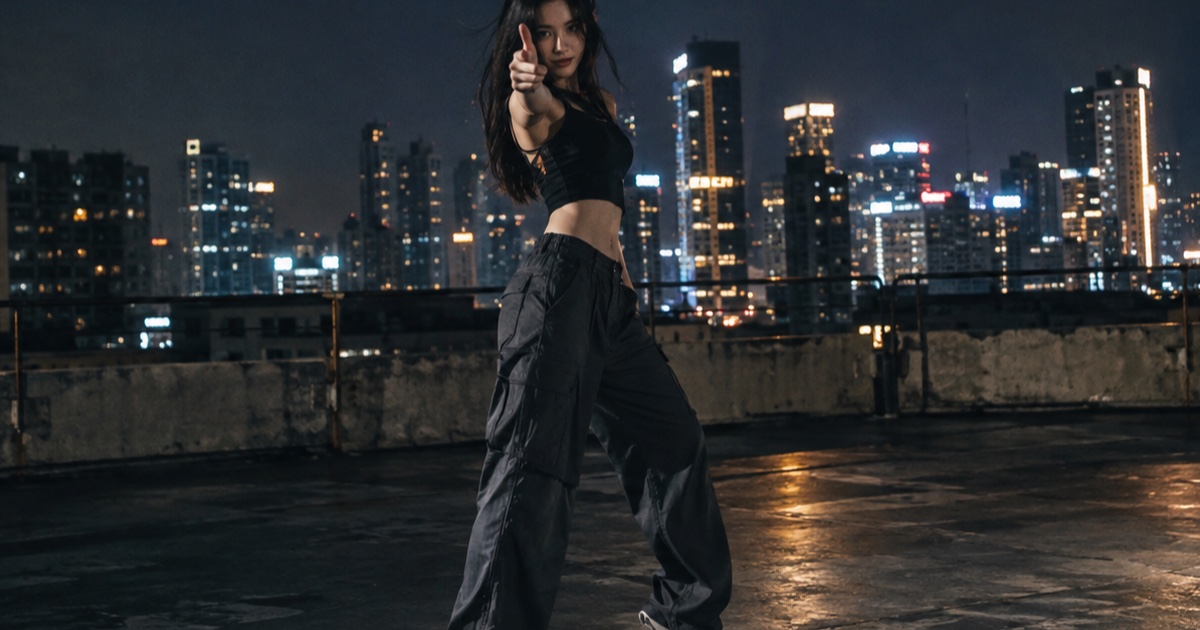
What the IVE Looks Can Kill AI Trend Actually Is
A practical guide to the IVE Looks Can Kill release, the girl-hero concept, fan-made photo-to-dance videos, and where the independent Looks Can Kill AI studio fits.
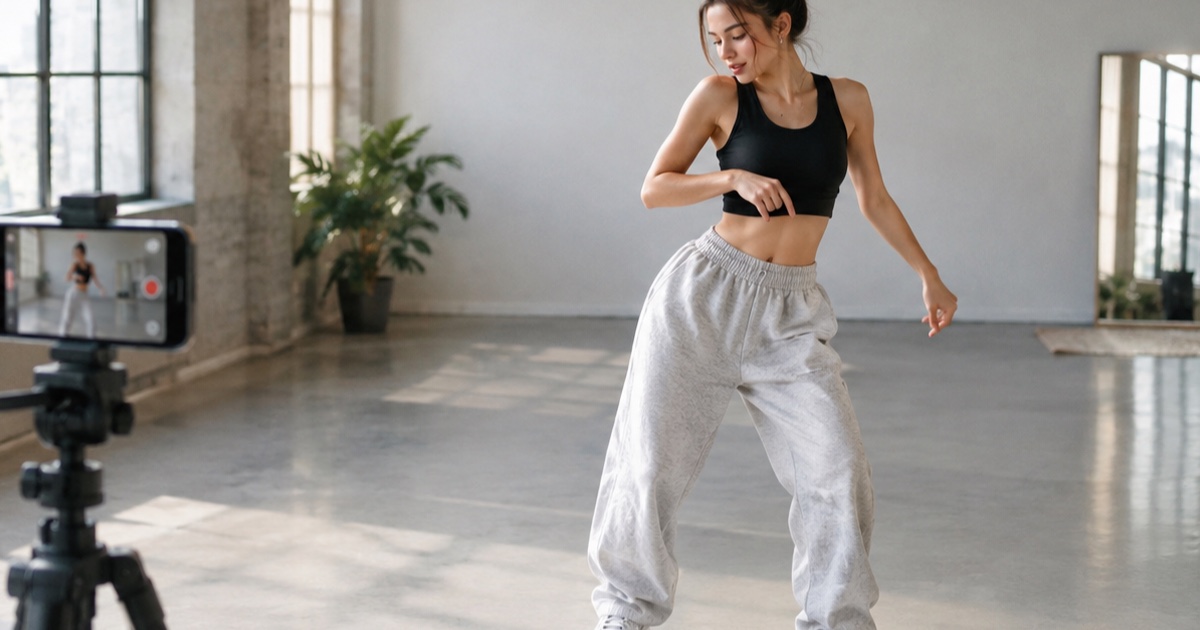
How to Make a 12-Second Vertical Hero-Point Dance Clip from One Photo
A practical step-by-step tutorial for turning one photo into a 9:16 hero-point dance clip with Looks Can Kill AI — source photo tips, motion prompts, credit costs, and export notes.
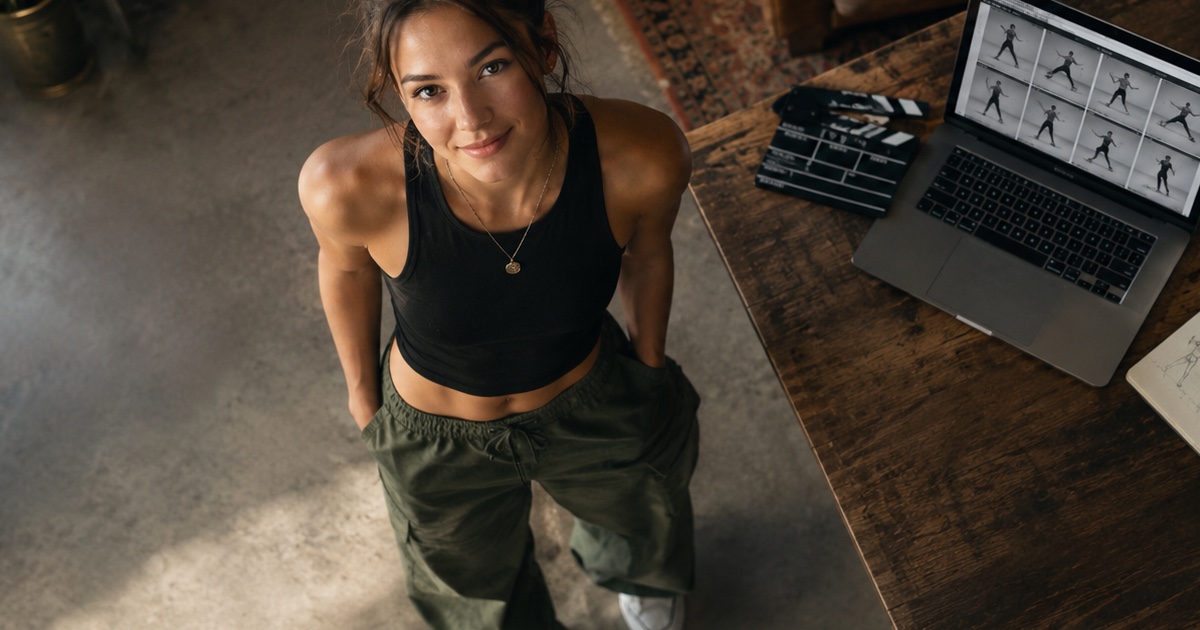
How to Write a Hero-Point Dance Prompt for Looks Can Kill AI
A practical prompt guide for the IVE “Looks Can Kill” hero-point dance vibe: subject lock, scene, one action, camera and exclusions, with five complete example prompts.